Connection Requests
LinkedIn Connection Request Automation With Account-Level Control
LinkedIn connection request automation in Xreacher works through a targeted lead list with connection requests, an optional personalized note, and conservative pacing based on the connected account. It is designed to remove repetitive queue work, not to promise a fixed safe volume, bypass LinkedIn allowances, or turn an untargeted list into relevant outreach.
People-search lead lists
Turn LinkedIn people-search results into a campaign list, or import an existing list your team already approved.
Request-to-follow-up workflow
Send requests with an optional note, then trigger the first message and timed follow-ups after acceptance.
Campaign analytics
Review activity from the same LinkedIn campaign workflow.
Product proof
Screenshots from the actual outreach workflow
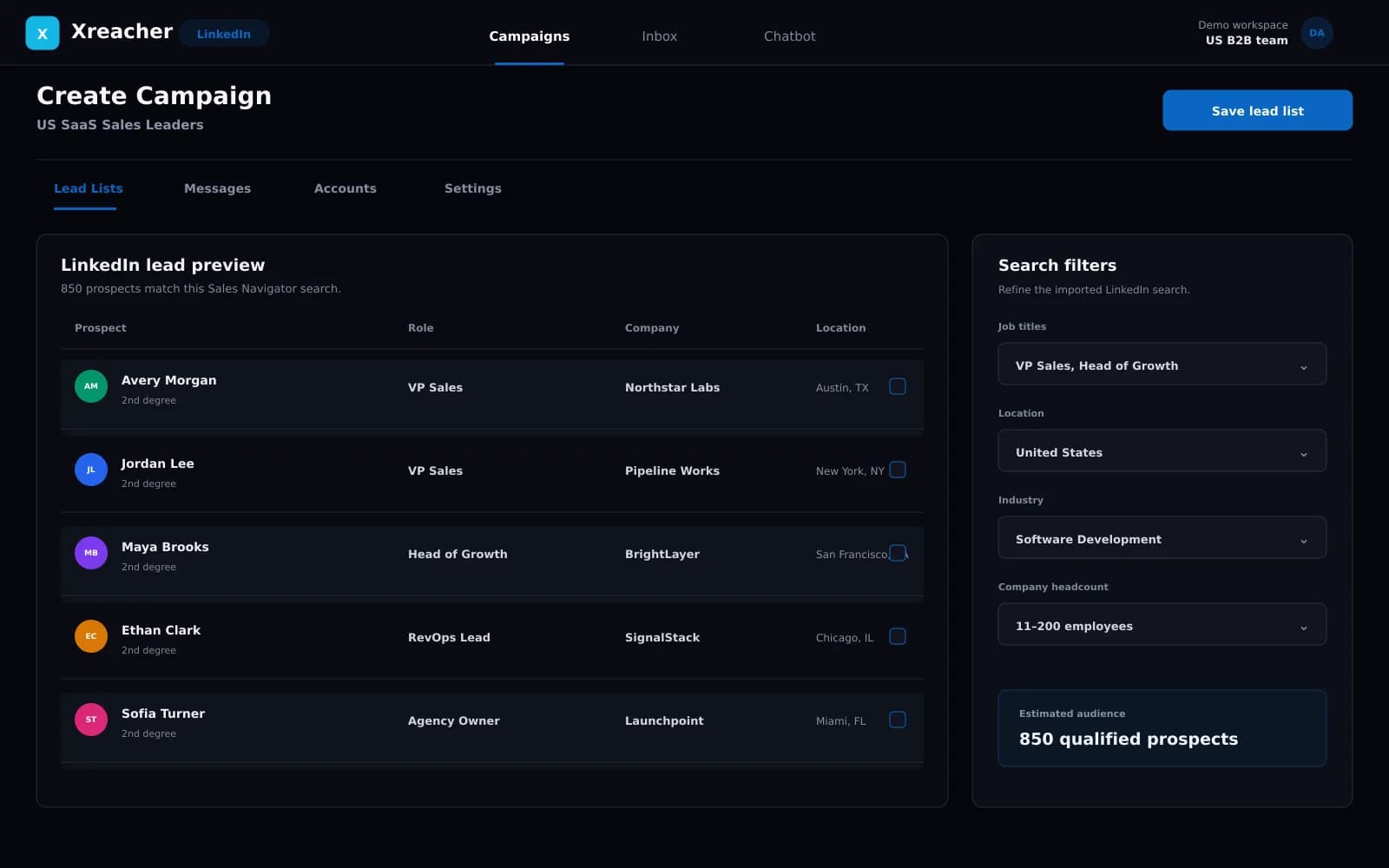
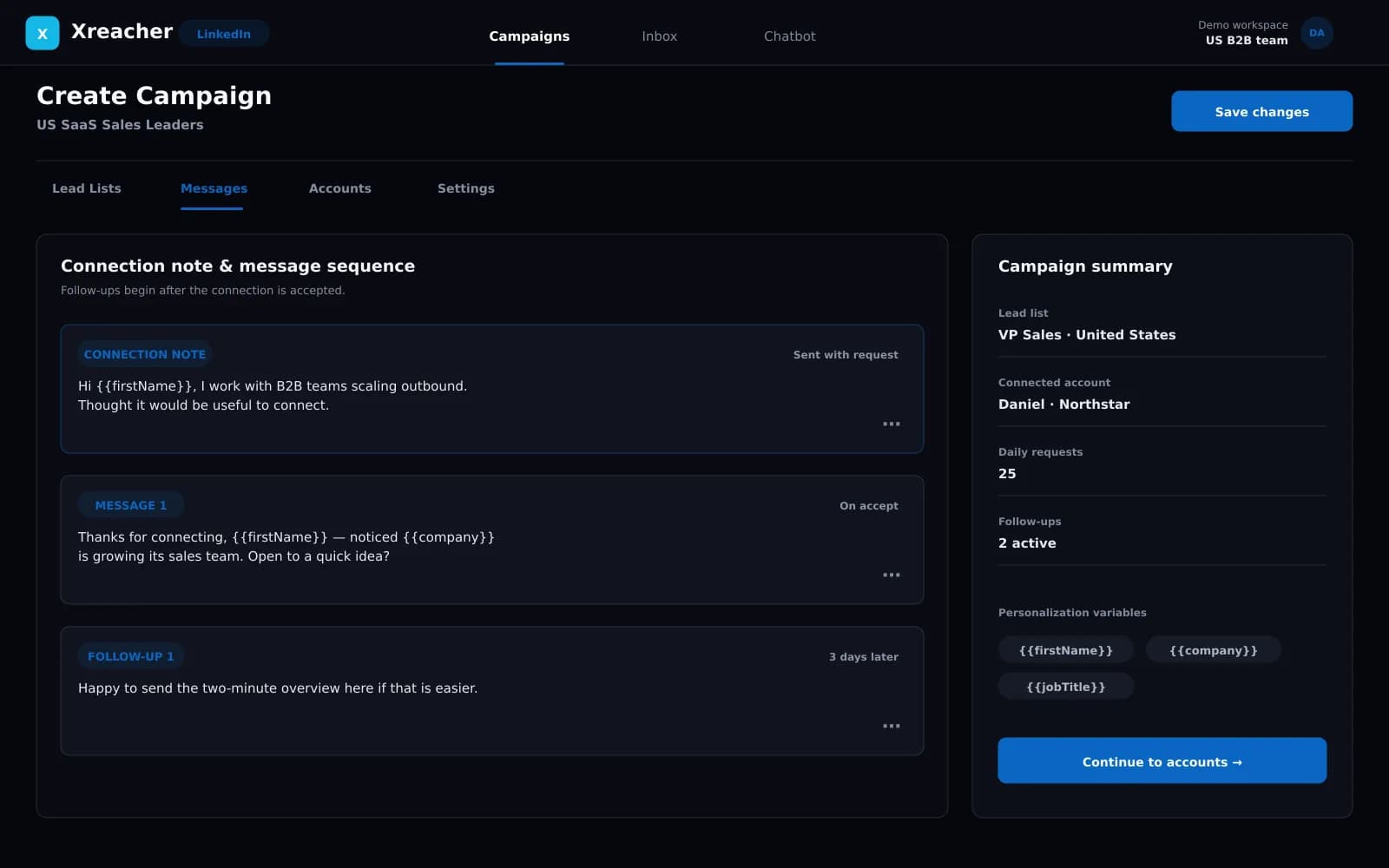
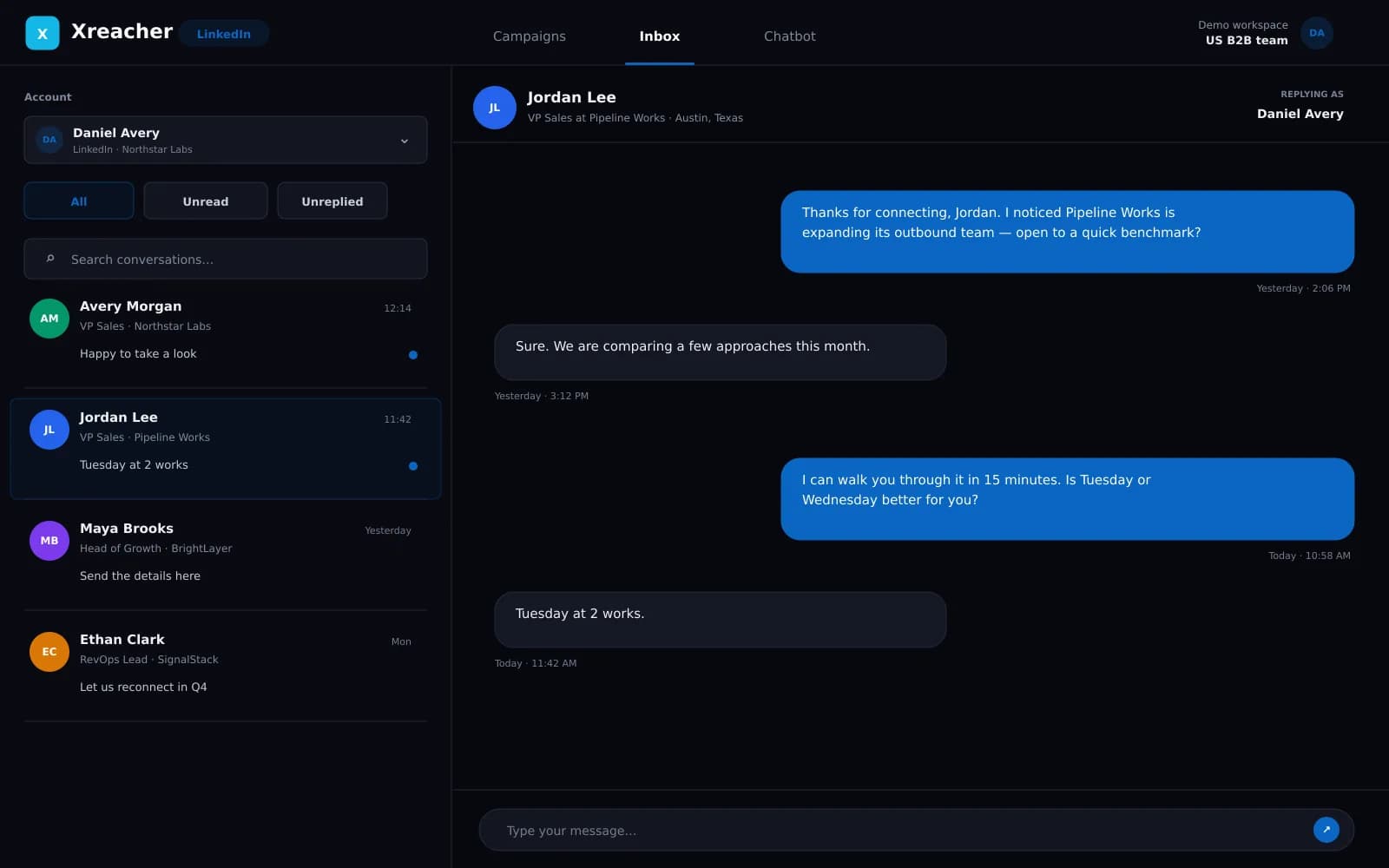
These fictional example workspaces reflect Xreacher's LinkedIn workflow: people-search lead lists, optional connection notes, accept-triggered messages, timed follow-ups, and campaign analytics.
Build the request queue from a qualified list
Connection automation starts after sourcing, not before it. Create a list from LinkedIn people-search results or import a list your team has already reviewed. The campaign then works through that audience instead of reacting automatically to every profile view or engagement event. This separation matters: it gives a sales team or agency a clear checkpoint to inspect the audience, exclude obvious mismatches, and align the request reason with the offer before any activity begins.
- Use a reviewed people-search or imported lead list
- Inspect the audience before enabling the request queue
- Keep targeting decisions separate from send automation
Choose whether a personalized note improves the request
Xreacher supports connection requests with or without an optional note. A note is useful when the shared context is specific enough to explain in a sentence: a role, market, event, or problem that genuinely connects the prospect to the reason for reaching out. A generic pitch squeezed into a note can weaken the request. Write the note for the audience you selected, and keep the wording truthful and easy to understand. LinkedIn controls note availability and limits, which may differ by account or subscription.
- Use an optional note only when it adds relevant context
- Keep templates concise and accurate
- Expect note availability to depend on LinkedIn's current rules
Pace requests for the connected account
LinkedIn does not publish one permanent invitation number that applies to every account, and allowances can change. Xreacher therefore uses conservative, account-dependent pacing rather than advertising a universal safe daily or weekly limit. The connected account still remains subject to LinkedIn's rules and restrictions. If LinkedIn limits the account, the correct response is to respect that limit and reassess targeting and activity, not to search for a bypass. The responsible-outreach guide covers the broader risk model.
- Avoid fixed safe-volume promises
- Treat LinkedIn's account state as the controlling constraint
- Use relevant targeting and conservative spacing
Use acceptance as the campaign handoff
The connection request is not the whole campaign. Once a prospect accepts, Xreacher can trigger the first campaign message and then run timed follow-ups on the configured delays. That handoff keeps the request focused on connecting and moves the actual conversation into the post-accept sequence. Teams can review campaign analytics to understand how the list and workflow are progressing, then adjust the next campaign rather than constantly changing a live audience without evidence.
- Trigger the first message after connection acceptance
- Run additional follow-ups on configured delays
- Use campaign analytics to guide the next iteration
FAQs
Can Xreacher automate LinkedIn connection requests?
Yes. It works through a campaign lead list with connection requests at conservative, account-dependent pacing. The list can come from LinkedIn people-search results or an import.
Can each connection request include a personalized note?
A campaign can use an optional note written for its audience, or send requests without a note. LinkedIn controls whether notes are available and what limits apply to the account.
How many connection requests are safe per day?
There is no universal number Xreacher can promise. LinkedIn allowances vary by account and can change. Use conservative pacing and follow the limits LinkedIn shows or enforces for the connected account.
Does Xreacher bypass LinkedIn invitation limits?
No. Xreacher does not claim to bypass LinkedIn's limits or make automation risk-free. The workflow is built around measured activity and account-level control.
What happens when a prospect accepts?
The campaign can send its first post-accept message and continue through timed follow-ups on the delays you configured.
Last updated 2026-08-07