

In short
The weekly invitation limit is not published: LinkedIn sets it per account and can change it. Outreach tools commonly report that most accounts get stopped at around 100 invitations a week, with some long-standing accounts that get many requests accepted going higher. When you reach it, LinkedIn blocks new invitations until the limit lifts, usually within about a week. Plan below the cap, send requests people actually accept, and clear out old pending invitations.
The two LinkedIn connection limits
People searching for "the LinkedIn connection limit" usually mean one of two things. The first is the total: LinkedIn's help pages cap every account at 30,000 first-degree connections, and once you reach it you can't send or accept new invitations, though people can still follow you.
Read moreShow less
The second is the weekly invitation limit, the one outreach runs into. LinkedIn confirms it exists but does not publish a number, because it depends on the account and on how people respond to its invitations.
- Total connections: 30,000 per account (published by LinkedIn)
- Invitations per week: limited, number not published
- Followers: no limit, people can follow you past 30,000 connections
How many invitations a week, in practice
Because LinkedIn keeps the number private, every figure you read comes from people and tools watching when accounts get stopped.
Read moreShow less
The most common report is around 100 invitations in a rolling week for most accounts. Some older, active accounts with high acceptance rates report more. Reports disagree on whether Premium or Sales Navigator raises it, so don't buy a plan for that reason alone. The safer reading: the limit is per account, it moves with your acceptance rate, and any fixed number is an estimate, not a promise. A new or quiet account should start well below it.
- Commonly reported: around 100 invitations per rolling week
- Can be higher for aged accounts with high acceptance rates
- Can be lower for new accounts or accounts whose requests get ignored
- Premium and Sales Navigator: reports disagree, don't count on more
What happens when you hit it
LinkedIn shows a message that you've reached the weekly invitation limit, and the Connect button stops working for new people.
Read moreShow less
The block lifts on its own, usually within about a week, and LinkedIn support doesn't remove it early. Signs of a stricter problem are different: if many recipients ignore your requests or click that they don't know you, LinkedIn can restrict the account's invitations further and for longer. That is why the acceptance rate matters more than the raw number you send.
- Weekly limit reached: wait, it lifts by itself
- Many "I don't know this person" responses: stricter restrictions
- Low acceptance rate: a lower effective limit next time
Other LinkedIn limits outreach runs into
Invitations are the tightest cap, but not the only one. Free accounts can add a personal note to only a few invitations each month, while paid plans lift that.
Read moreShow less
You can message your first-degree connections without a credit, but messaging people you're not connected to needs InMail credits from Premium or Sales Navigator. Free accounts also hit LinkedIn's commercial use limit on people searches if they search a lot in a month. And thousands of pending invitations sitting unanswered look bad for the account, so withdraw old ones.
- Personal notes: limited each month on free accounts
- Messages: free to first-degree connections, InMail credits for everyone else
- Search: commercial use limit on free accounts
- Pending invitations: withdraw the old ones regularly
How to stay under the limit and still grow
Treat the weekly limit as a budget and spend it on people likely to accept. Build the list from a precise LinkedIn search or a list you've reviewed, not everyone in an industry.
Read moreShow less
Spread requests across working days instead of sending them in one burst. Decide whether a note helps: a specific one-line reason to connect beats a pitch squeezed into the note. Warm up a new account with a few requests a day before raising the pace. And withdraw invitations that have sat for a few weeks, so your pending list stays small.
- Target narrowly: acceptance rate protects the account
- Spread requests over working days
- Start new accounts with a few requests a day and ramp up
- Withdraw invitations nobody accepted after a few weeks
When the limit is the bottleneck, add channels
If 100 or so invitations a week isn't enough, the usual workarounds are risky: invitation tricks that skip the limit tend to get patched, and pushing an account past it invites restrictions.
Read moreShow less
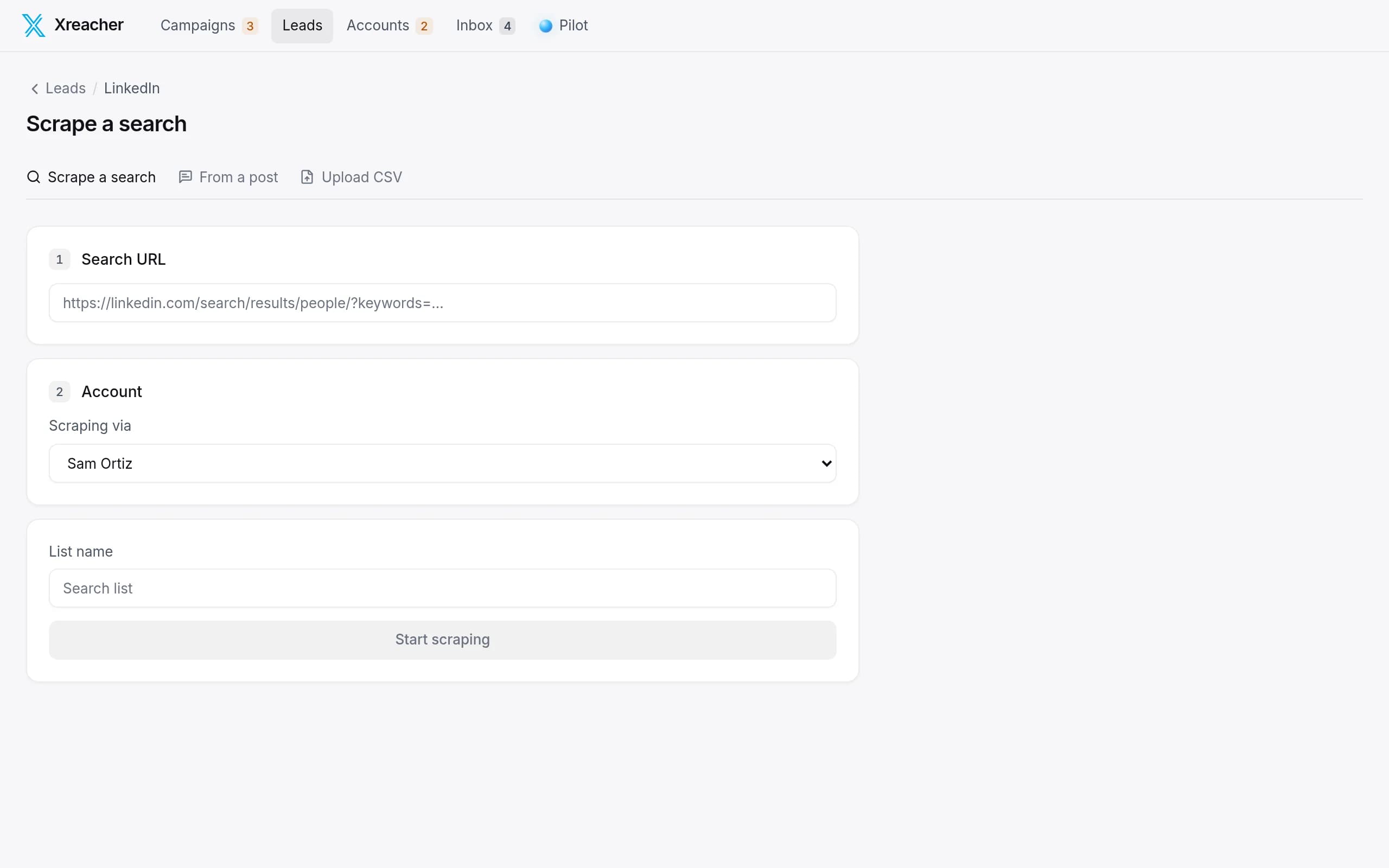
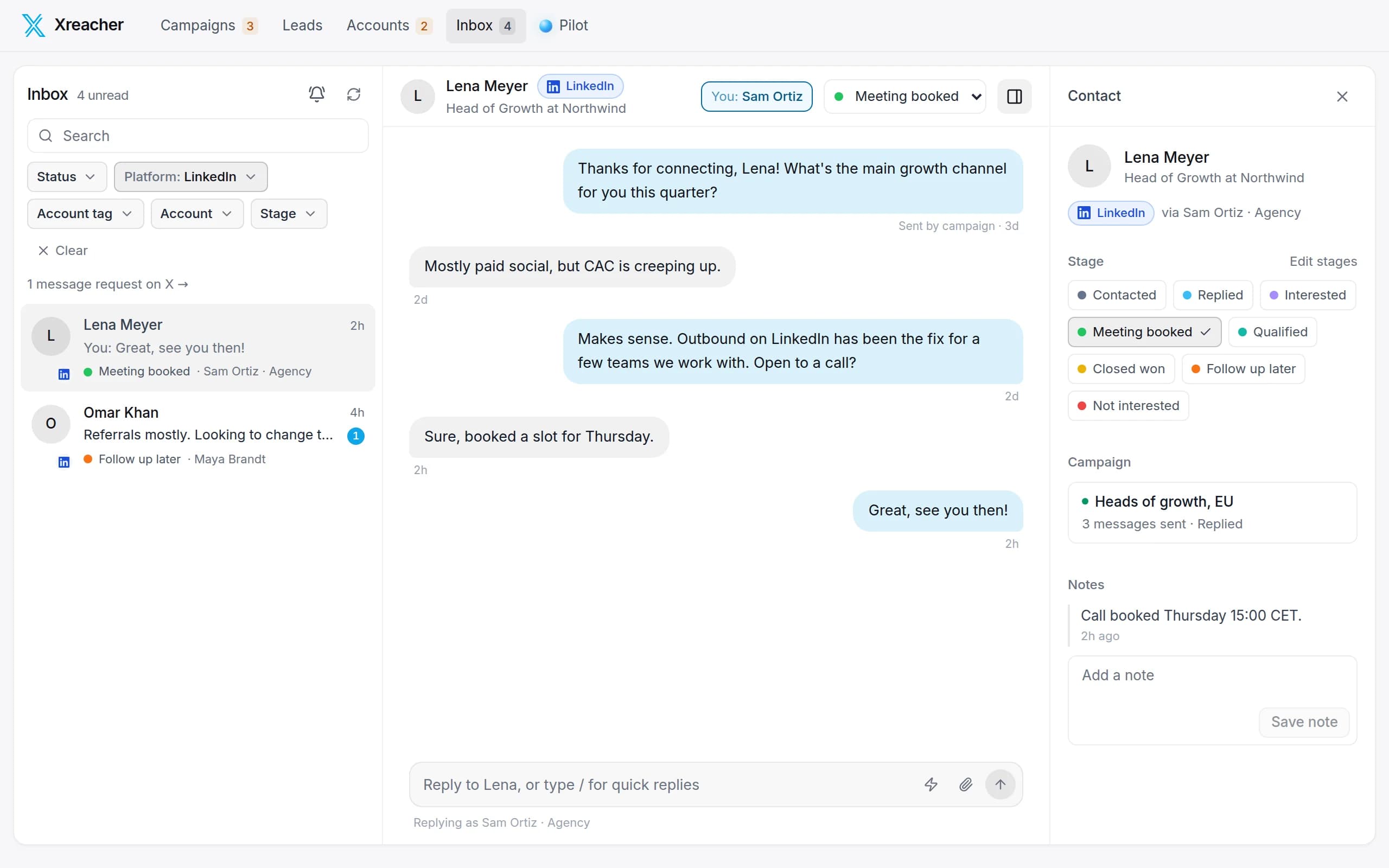
The steadier options are more accounts, each inside its own limit, or more channels for the same people. Many B2B prospects are also on X. Xreacher finds your LinkedIn leads on X in one click and turns a LinkedIn list into a LinkedIn and X campaign, so people who never accept your request can still hear from you. One subscription covers LinkedIn, X and Telegram, with every reply in one inbox.
- More accounts: each one has its own weekly limit
- More channels: reach the same leads on X
- One inbox for LinkedIn, X and Telegram replies
How Xreacher paces LinkedIn invitations
Xreacher doesn't promise a safe number, because LinkedIn doesn't publish one. Instead it gives you the controls.
Read moreShow less
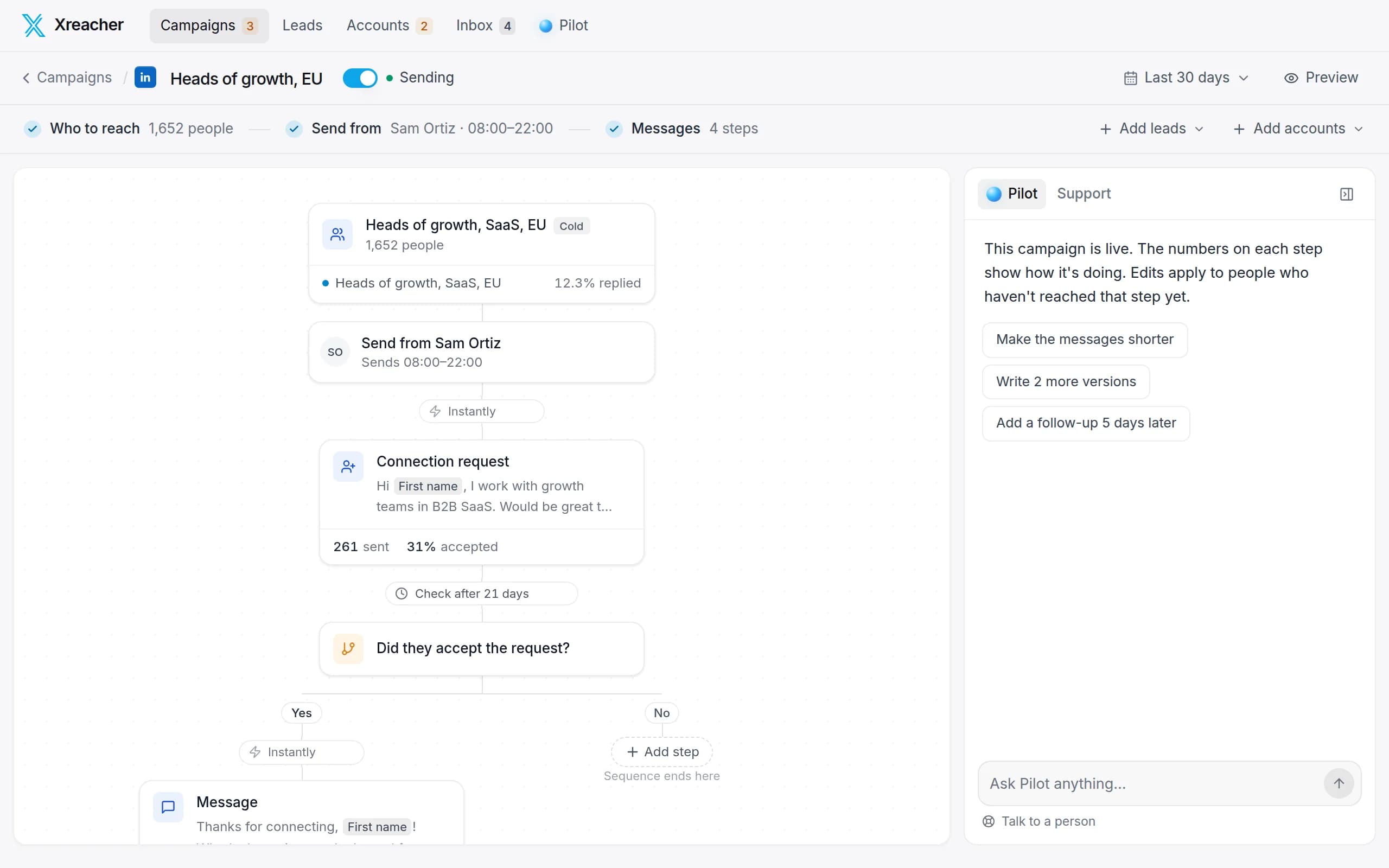
Each campaign has a weekly limit per account, counted over a rolling 7 days (100 by default; lower it for new accounts), and a daily limit: Auto starts at 3 requests a day and ramps to about 15 to 20, or you set your own up to 40. On the Accounts page, a daily cap per account applies across all its campaigns. Stale invitations are withdrawn automatically after 21 days by default, and you can rotate up to 10 connection notes. Messages go out only after someone accepts, and the sequence can branch on whether they did.
- Weekly limit per account, rolling 7 days, 100 by default
- Auto daily pace: 3 a day, ramping to about 15 to 20
- Auto-withdraw of pending invitations after 21 days by default
- Up to 10 rotating connection notes