

In short
Keep the note under 200 characters, because free accounts are limited to 200 characters and only a few notes a month. Give one specific reason you're reaching out, say in one line what you do, and end with an easy question. Don't pitch in the note. Follow up once or twice, a few days apart, and stop when they answer or clearly aren't interested.
The three kinds of LinkedIn cold message
Most people can only reach a stranger on LinkedIn in one of three ways, and each has its own limits.
Read moreShow less
A connection request can carry a short note. Once they accept, you can message them like any connection, with plenty of room. If you don't want to wait for an accept, InMail lets you message people you aren't connected to, using credits from a paid plan, or for free when the person has an Open Profile. Most cold outreach on LinkedIn is the first two: a short note or no note, then a real message after the accept.
- Connection note: short, sent with the request
- Message after they accept: the main conversation
- InMail: no connection needed, uses a credit unless they have an Open Profile
LinkedIn's message limits in 2026
The note is the tight one. LinkedIn's newest help page says free accounts can add a note to 3 connection requests a month, each up to 200 characters; older LinkedIn pages still say 5 a month, so expect the lower number.
Read moreShow less
Premium plans get notes of up to 300 characters with no monthly cap on notes. When a free account runs out of notes, requests still go out, just without a note. Messages to people who already accepted can be up to 8,000 characters, and an InMail has a subject line of up to 200 characters and a body of about 1,900. The weekly invitation limit applies on top of all of this.
- Free account note: 200 characters, 3 notes a month on LinkedIn's newest help page
- Premium note: up to 300 characters, no monthly note cap
- Message to a connection: up to 8,000 characters
- InMail: 200-character subject, about 1,900-character body
How to write a LinkedIn cold message that gets answered
Write it for one person, not a list. Open with the reason you picked them: a post they wrote, a role they just started, a company they run, an event you both went to.
Read moreShow less
Then one line on what you do, framed as a result for people like them, not a feature list. End with a question that's easy to answer, like whether the problem is on their plate right now. Leave out links, attachments and calendar invites in the first message, and skip openers like "I hope this finds you well". Three or four short sentences are enough. If you can't name a real reason to contact someone, that person probably isn't on your list for a good reason.
- Line 1: why them, something specific and true
- Line 2: what you do, as a result for people like them
- Line 3: one easy question
- No links, no pitch in the note, no long intro
Connection request note templates (under 200 characters)
Each of these stays under a free account's 200 characters with typical names filled in. The note's only job is to get the accept, so none of them sells.
Read moreShow less
If you can't make the first line specific, send the request without a note instead of a generic one.
- Shared topic: "Hi [first name], your post on [topic] was spot on. I work on the same problem at [company] and would like to follow what you share. Happy to connect."
- Peer: "Hi [first name], I lead [role] at [company] and I'm connecting with other [their role]s in [industry]. Would be good to have you in my network."
- Event: "Hi [first name], we were both at [event]. Your point about [detail] stuck with me. Let's connect."
- Mutual connection: "Hi [first name], [mutual name] mentioned your work on [topic]. I'd like to connect and swap notes some time."
First message and follow-up templates
Send the first message soon after they accept, while they still remember the request. Ask one question and leave space for a real answer.
Read moreShow less
Follow-ups should be shorter than the first message and give them an easy way out, which gets more honest replies than pressure does.
- After the accept: "Thanks for connecting, [first name]. Quick question: how does your team handle [problem] today? We help [type of company] with [result], so I'm curious if it's on your list this quarter."
- Value first: "Thanks for connecting, [first name]. I put together [resource] on [topic] for [their role]s. Want me to send it over? No pitch attached."
- Follow-up, 3 or more days later: "Hi [first name], following up in case this got buried. Is [problem] something you're working on, or should I check back in a few months?"
- Last message: "Hi [first name], I'll leave it here. If [problem] comes up later, happy to help. Good luck with [their project]."
InMail template for people who don't accept
Some people never accept requests from strangers but do read InMail. Because each InMail costs a credit unless the person has an Open Profile, save it for leads worth it, and make the subject line about them, not you.
Read moreShow less
LinkedIn gives the credit back when someone answers within 90 days, so a well-aimed InMail can cost nothing.
- Subject: "[Topic] at [their company]"
- Body: "Hi [first name], I saw [specific detail]. We help [similar companies] with [result], for example [one proof point]. Worth a short call next week, or should I send a two-line summary first?"
When to follow up, and when to stop
Replies are slow. Our own numbers come from X, not LinkedIn, but they show the pattern: across cold DMs on X, 42% of replies arrive within 24 hours, 62% within three days and 22.6% only after a full week, and 99.3% of threads never get a second message.
Read moreShow less
So one or two follow-ups, a few days apart, catch people the first message missed. Stop as soon as they answer, and stop after the last message if they don't. On LinkedIn, being ignored is fine, but being marked as someone they don't know can limit your invitations, so the targeting matters more than the wording.
- First follow-up: 3 or more days after the first message
- Second and last follow-up: about a week later
- Stop on any reply, then answer it yourself
- Ignored requests are normal; "I don't know this person" clicks hurt
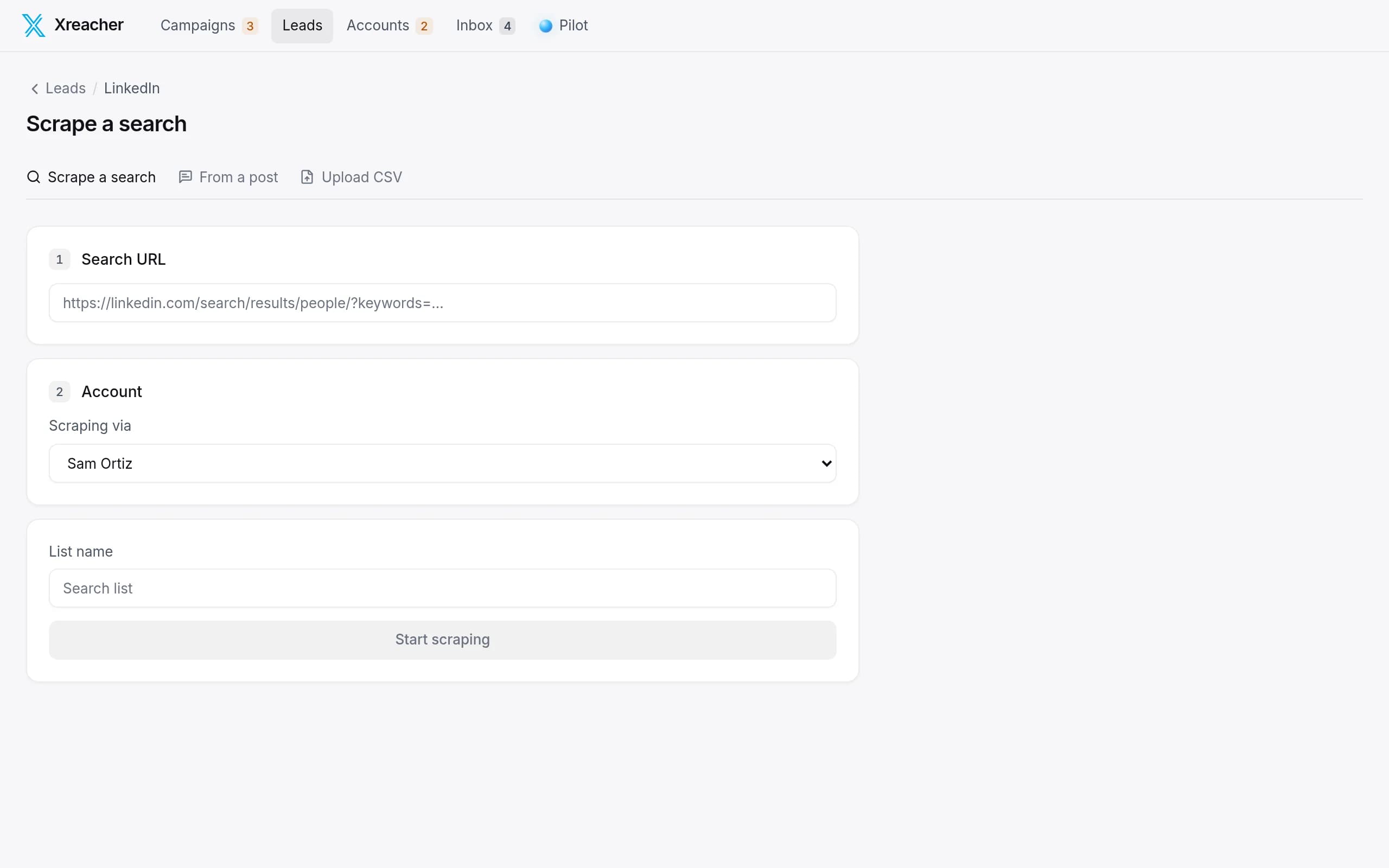
Sending LinkedIn cold messages with Xreacher
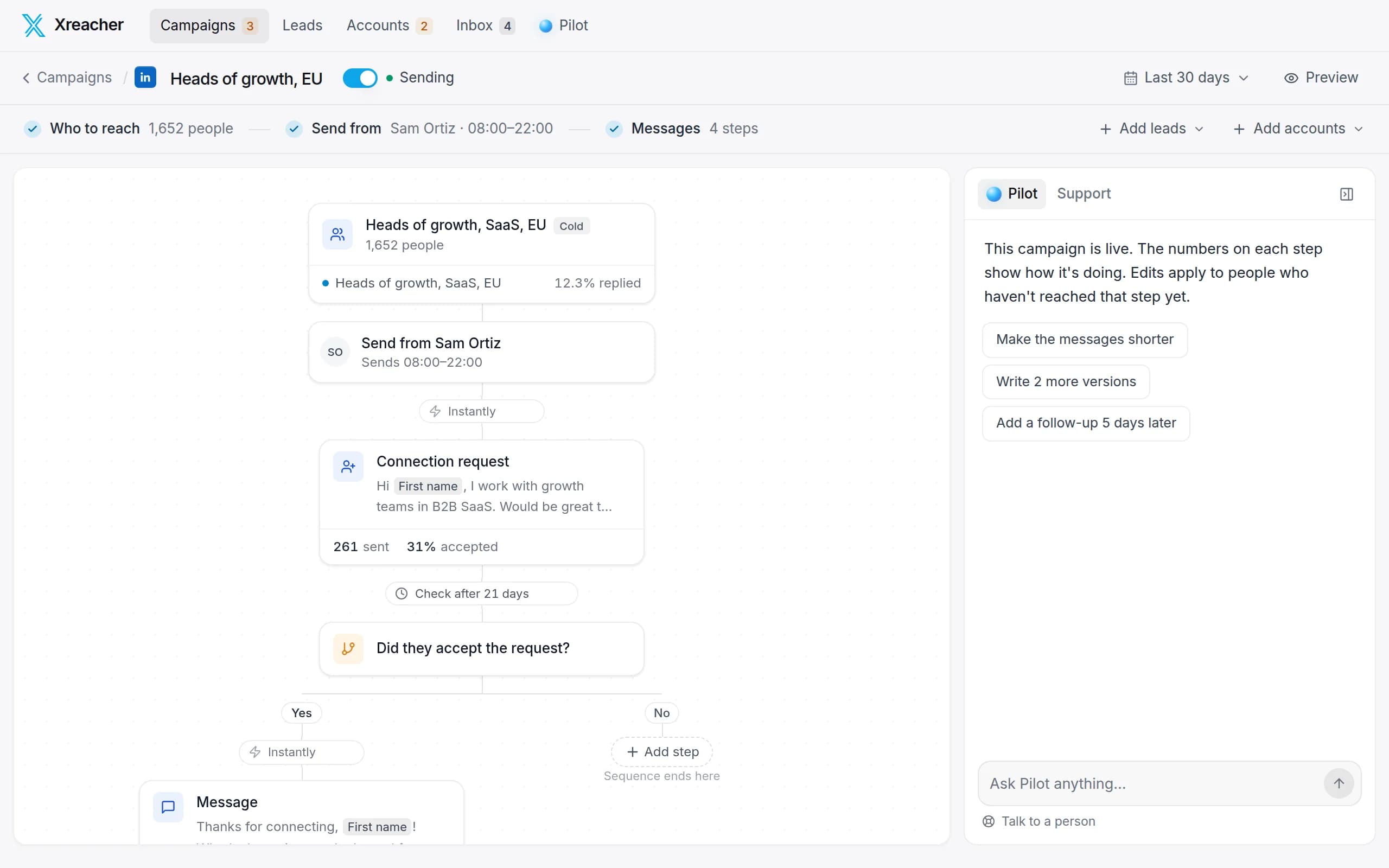
Xreacher runs the whole sequence from your own LinkedIn account. You can rotate up to 10 connection notes, each up to 300 characters, one picked at random per person, and see the accept rate of each note, so you learn which one works instead of guessing.
Read moreShow less
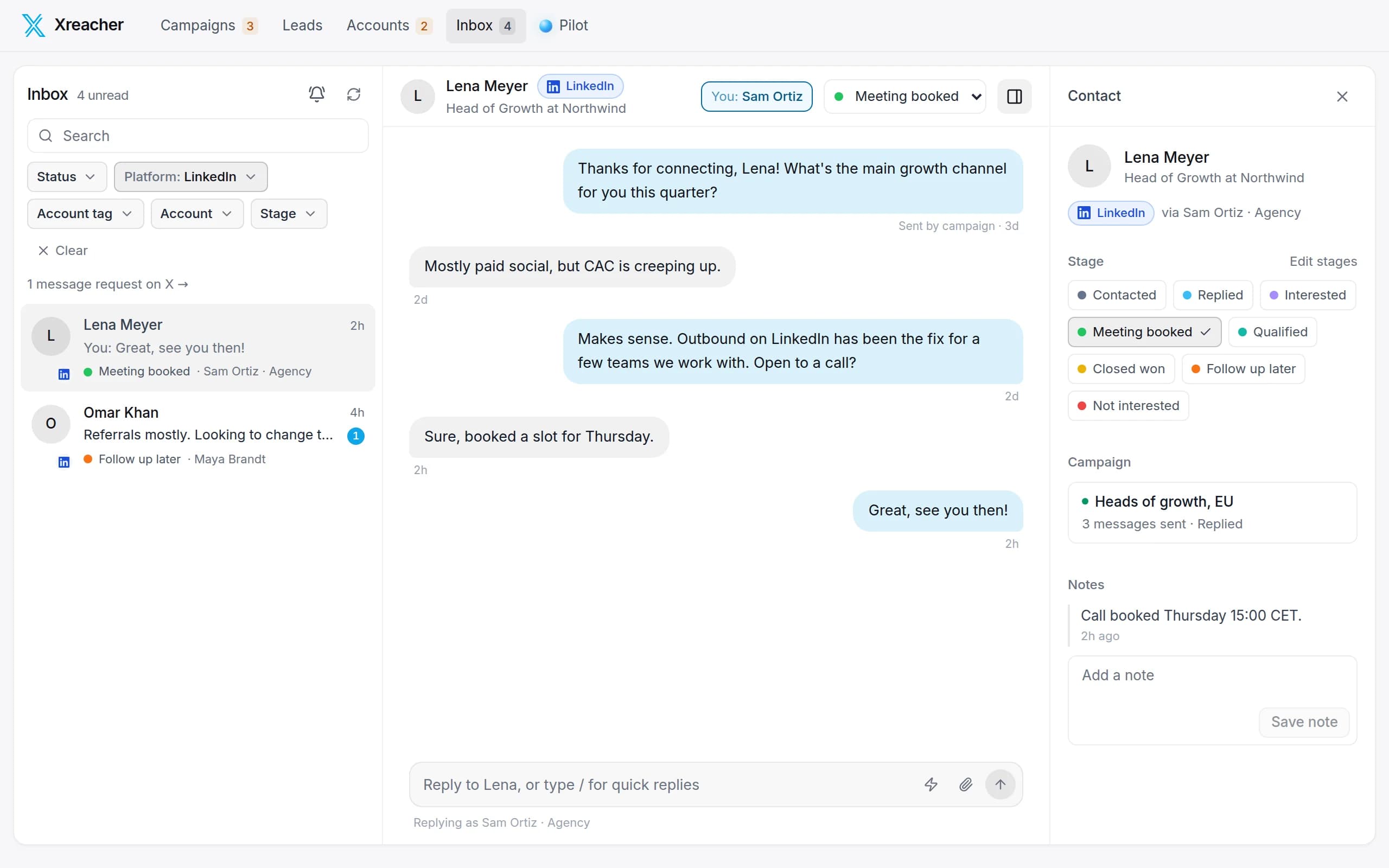
Variables fill in each person's details, with a fallback for empty fields, for example [company|your team]. An [AI: ...] instruction writes a personal first line for each lead, which you preview on 5 real leads before launch. Messages start after the accept, the sequence can branch on accepts and replies, and people who never accept can get an InMail from a Sales Navigator account, or a follow and a DM on X. A weekly limit per account, 100 by default, keeps the pace steady, and every reply lands in one inbox.
- Up to 10 rotating notes with an accept rate per note
- Variables with fallbacks, plus [AI: ...] first lines previewed on 5 real leads
- Messages after the accept, branches on accepts and replies
- InMail or X for people who don't accept
- Weekly limit per account, 100 by default