

In short
Unused credits roll over up to a cap, and you get the credit back when the person replies within 90 days. Messages to people with an Open Profile are free and use no credit. On Sales Navigator Core at $119.99 a month, one credit works out to about $2.40 before refunds.
What a LinkedIn InMail is
Without a connection, LinkedIn only lets you send someone a connection request. InMail skips that step: it lands in the person's inbox as a message marked InMail, with a subject line (up to 200 characters) and a body of up to about 1,900 characters.
Read moreShow less
You don't need them to accept anything first, and it doesn't use your weekly invitation limit. InMail is only for people outside your first-degree network. Your connections get normal messages, which are free.
- Reaches people you aren't connected to
- Subject line plus message, marked as InMail in their inbox
- Doesn't use the weekly connection request limit
- Not needed for first-degree connections: message them for free
InMail credits per LinkedIn plan
Credits come with paid plans only; a free LinkedIn account gets none. Each plan adds a set number every month and lets unused ones pile up to a cap, usually three months' worth.
Read moreShow less
Premium and Sales Navigator credits are separate pools: Premium credits can't be used in Sales Navigator and the other way round. Premium credits renew with your billing date, Sales Navigator credits on the first of each month. If you cancel or change plans, the balance goes to zero, and LinkedIn doesn't sell extra credits on their own.
- Premium Career: 5 a month, holds up to 15
- Premium Business: 15 a month, holds up to 45
- Recruiter Lite: 30 a month, holds up to 120
- Sales Navigator Core, Advanced and Advanced Plus: 50 a month, holds up to 150
What one InMail costs
LinkedIn doesn't price InMail on its own, so the real cost is the plan divided by the credits you use.
Read moreShow less
Sales Navigator Core is $119.99 a month for 50 credits, about $2.40 a credit, or about $1.80 when billed yearly. The refund rule lowers it further: an InMail that gets a reply, even a decline, within 90 days gives the credit back, while an InMail nobody answers is spent. So the cost per conversation depends far more on who you write to and what you say than on the plan. Short, specific messages to well-chosen people earn credits back; a generic pitch to a big list burns them.
- Sales Navigator Core: about $2.40 per credit monthly, about $1.80 yearly
- Credit back for any reply within 90 days, including a decline
- No reply: the credit is spent
- Credits can't be bought separately
Free InMails: Open Profiles
Paid members can switch on Open Profile, which lets anyone on LinkedIn message them for free.
Read moreShow less
An InMail to an Open Profile uses no credit, which is why outreach teams filter lists for them. LinkedIn doesn't publish a limit on how many free InMails you can send. Tool vendors long quoted about 800 a month, while newer reports describe accounts being cut off far sooner, some under 100 a month. When an account sends too many, LinkedIn can stop treating profiles as open for a while, and every InMail starts costing a credit again. Keep free InMails to a modest daily number.
- Open Profile: opt-in setting for paid members
- Messages to Open Profiles use no credit
- No published monthly limit; reports range from 800 down to under 100
- Send them at a steady, modest daily pace
InMail or a connection request?
A connection request is free but limited each week, and the person has to accept before you can message them.
Read moreShow less
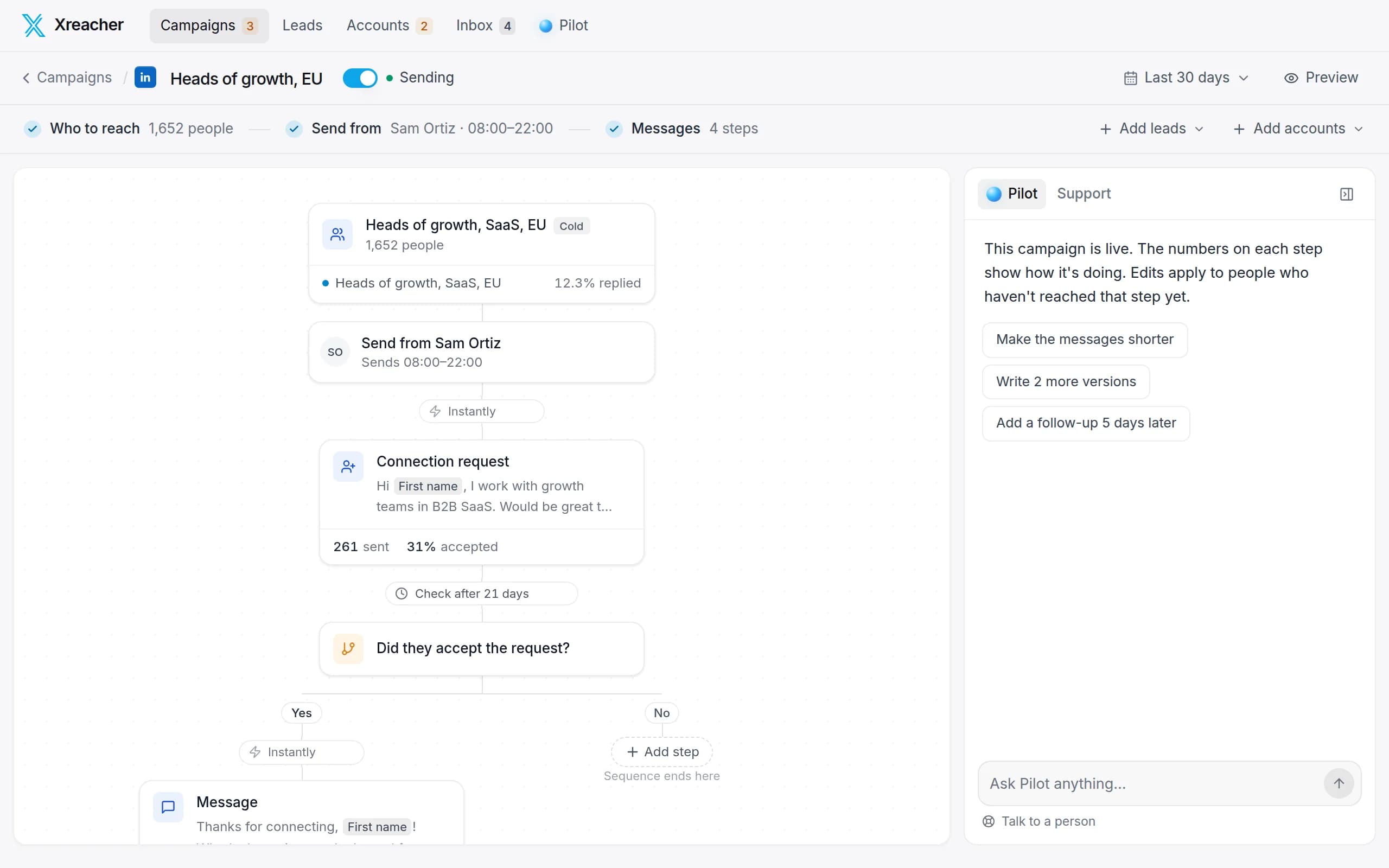
InMail costs credits but arrives as a message right away and reaches people who rarely accept strangers, such as senior buyers. Most teams use both: send the connection request first and follow up with messages after they accept, then send an InMail only to the people who ignored the request. That spends credits on the people a request couldn't reach, instead of on everyone.
- Connection request: free, weekly limit, needs acceptance
- InMail: paid, no acceptance needed, reaches people who ignore requests
- Common pattern: request first, InMail to the ones who didn't accept
How to send an InMail on LinkedIn
With Premium, open the person's profile and click Message; if you aren't connected, LinkedIn opens an InMail and shows how many credits you have left.
Read moreShow less
In Sales Navigator, click Message on the lead's page or from a lead list. Write a subject that names why you're writing, keep the message short, give one specific reason it's for them, and end with one easy question. Then watch replies, because the credits you get back decide what the next month costs.
- Premium: profile, Message, write subject and message, send
- Sales Navigator: Message from the lead page or a lead list
- Subject: the reason you're writing, not a slogan
- Message: short, specific to them, one clear question
Send InMails at scale with Xreacher
Xreacher sends InMails from any LinkedIn account with a Sales Navigator seat, as a step in a LinkedIn campaign.
Read moreShow less
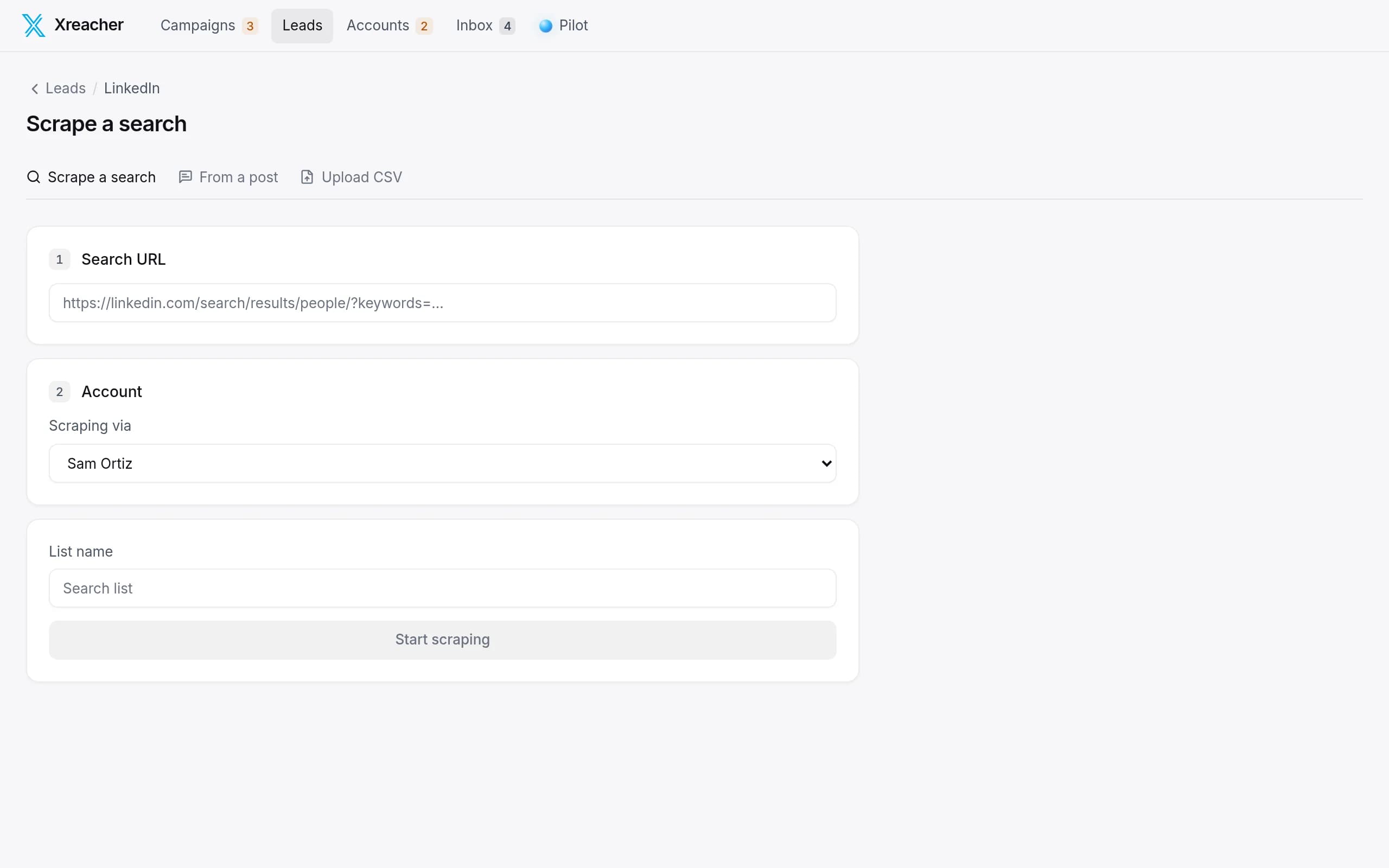
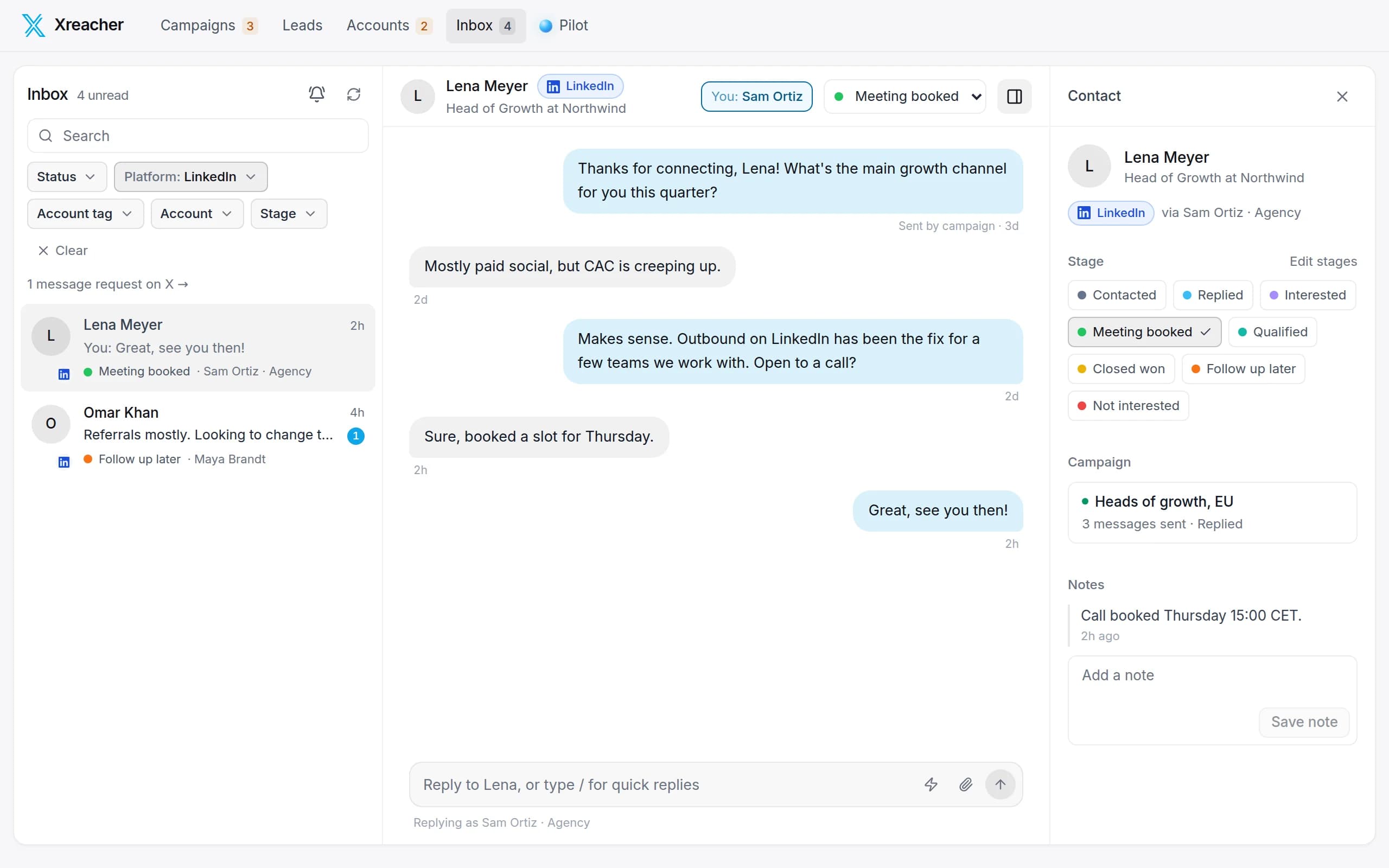
Paste a Sales Navigator search or lead list as the lead source (up to about 2,500 people per search), add the InMail step with a subject and one or more message versions, and choose where it runs: after a connection request nobody accepted, or as an InMail-only campaign. Turn on Only open profiles to send just the InMails that use no credit. Each account has its own daily limits, 25 paid and 25 free InMails a day by default, and replies land in one inbox next to your X and Telegram conversations.
- InMail step on any account with a Sales Navigator seat
- After an ignored connection request, or InMail only
- Only open profiles: InMails that never use a credit
- Daily limits per account: 25 paid (up to 100), 25 free by default
- Replies stop the remaining messages and land in one inbox